Sebelumnya FAIPRO IFP V100 series


Functions:
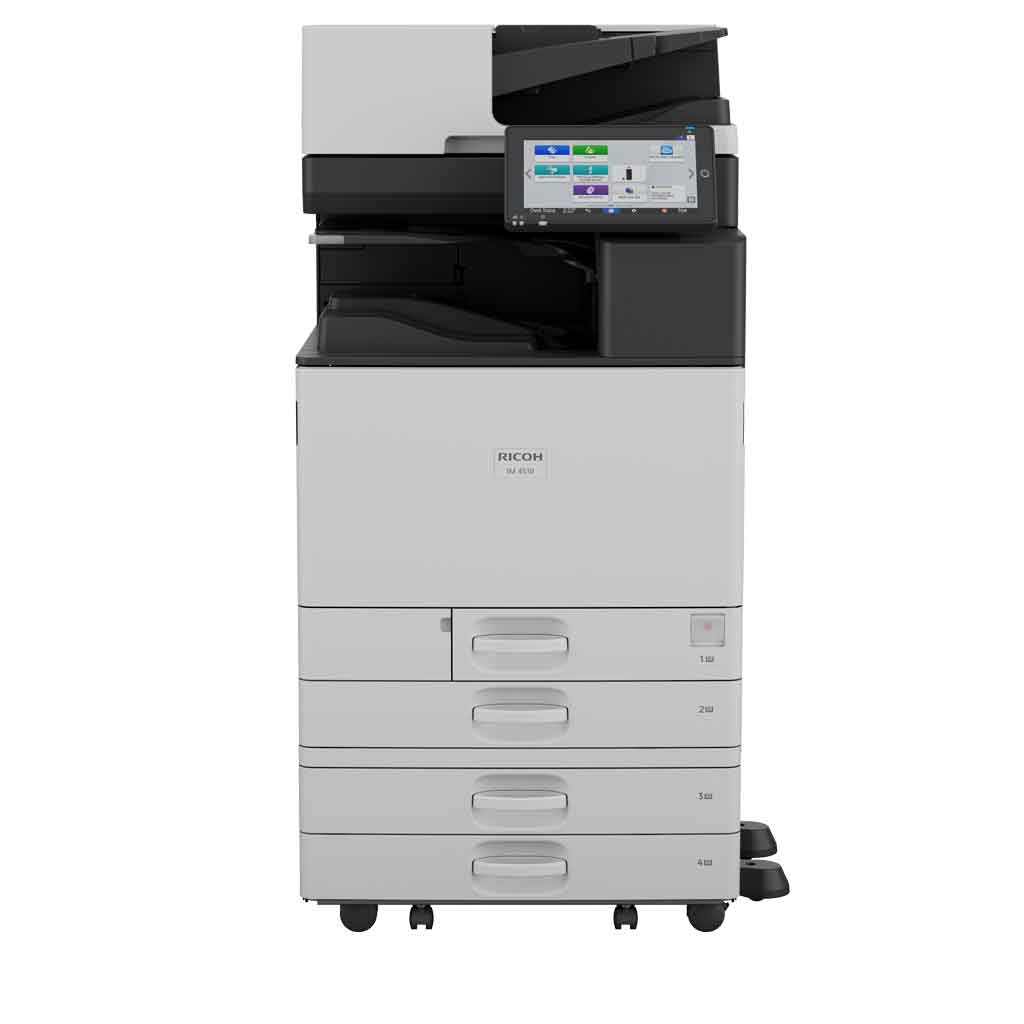
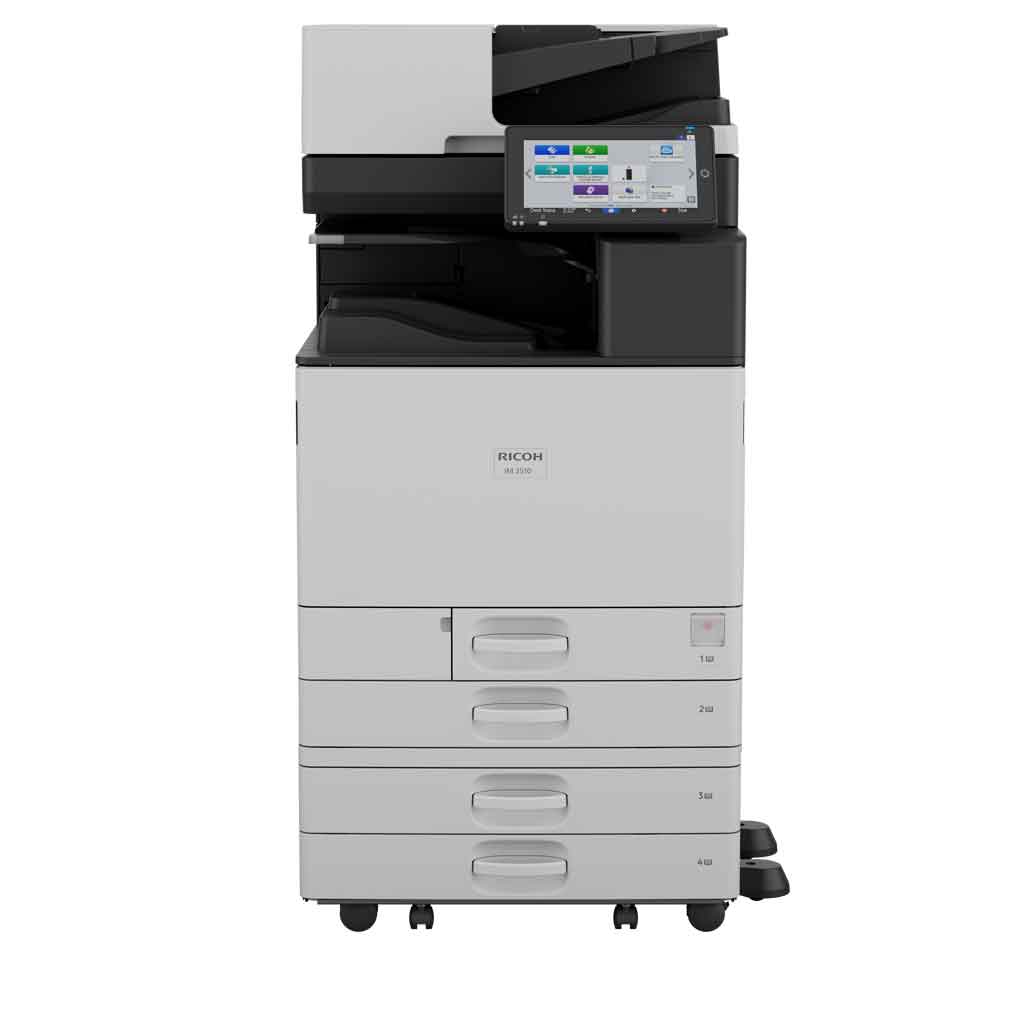
Copy, print, scan, optional fax
Storage:
256 GB SSD
Memory - standard:
6 GB—2 GB mainframe + 4 GB Smart Operation Panel
Operation panel:
10.1" Smart Operation Panel
Physical dimensions (WxDxH)—mainframe:
587 x 701 x 788 mm
Weight—mainframe:
74 kg
Standard input capacity (sheets):
1,200
Maximum input capacity (sheets):
4,850
Standard output capacity (sheets):
500
250—B4 or larger
Maximum output capacity (sheets):
1,625
Paper input configuration - standard:
2 x 550-sheet paper trays, 100-sheet bypass tray, duplex unit
Paper output configuration - standard:
500-sheet face-down internal output tray
Supported media:
Tray 1
Plain paper (paper type not displayed), recycled paper, special paper 1–3, colour paper, letterhead, cardstock, pre-printed paper, bond paper, high gloss coated paper, coated paper
Tray 2
Plain paper (paper type not displayed), recycled paper, special paper 1–3, colour paper, letterhead, cardstock, pre-printed paper, bond paper, high gloss coated paper, coated paper, envelope
Optional trays
Plain paper (paper type not displayed), recycled paper, special paper 1–3, colour paper, letterhead, cardstock, pre-printed paper, bond paper, high-gloss coated paper, envelope, coated paper
Bypass tray
Plain paper (paper type not displayed), recycled paper, special paper 1–3, colour paper, letterhead, cardstock, pre-printed paper, bond paper, high-gloss coated paper, envelope, coated paper, label paper
Maximum paper size:
SRA3
Media weight (g/m2): 52–300
Interfaces - standard:
Mainframe
10Base-T/100Base-Tx (Ethernet)
1000Base-T (Gigabit Ethernet)
IEEE 802.11 a/b/g/n/ac (Wireless LAN)—2.4 GHz or 5 GHz can be selected; default: auto
USB 3.0 Host Type A—2 ports
USB 3.0 Type B—1 port
Smart Operation Panel
Bluetooth 5.21
USB Host Type A—USB Flash memory
USB Host Type A—optional 1 port for USB keyboard
1—Cannot be used for printing
Interfaces - optional:
Device Server Option Type M52 (additional Ethernet/Gigabit Ethernet port)
Network protocols - standard:
TCP/IP (IPv4, IPv6)
Copy speed:
25 cpm
First copy time:
5.1 seconds
Copy resolution:
100, 200, 300, 400, 600 dpi—scanning
1,200 x 1,200 dpi (maximum)—printing
Zoom range:
25%–400% in 1% steps
Enlargement ratios:
115%, 122%, 141%, 200%, 400%
Reduction ratios:
93%, 87%, 82%, 71%, 61%, 50%, 25%
Duplex copy:
Simplex to duplex, duplex to duplex—with document feeder, book to duplex, front and back to duplex
Book copy:
Booklet, magazine, layout and booklet
Print speed black and white: 25 ppm
First print time:
4.5 seconds
Print resolution:
1,200 x 1,200 dpi / 4,800 x 1,200 dpi equivalent (maximum)
Page description languages (PDLs):
Standard
PCL 5e, PCL 6, PostScript 3 emulation, PDF Direct emulation
Optional
Genuine Adobe PostScript 3, PDF Direct from Adobe
Printer drivers:
Standard
PCL 5e, PCL 6, PostScript 3 emulation
Optional
Genuine Adobe PostScript 3
Duplex printing:
Standard
Mobile printing:
Yes
Scan speed:
Via ARDF
80 ppm—200 x 200 dpi, 300 x 300 dpi
Via SPDF
150 ppm—simplex, 200 x 200 dpi
120 ppm—simplex, 300 x 300 dpi
300 ppm—duplex, 200 x 200 dpi
220 ppm—duplex, 300 x 300 dpi
Scan methods:
Scan to USB, Scan to email, Scan to folder, Scan to URL, Scan to SMB, Scan to FTP, Scan to PDF/A, Scan to digitally signed PDF, Scan to searchable PDF
Note: Optional OCR unit is required to support scanning to a searchable PDF.
Colour scanning:
Standard
Scan resolution:
100 dpi, 200 dpi (default), 300 dpi, 400 dpi, 600 dpi, 1,200 dpi
Note: 1,200 dpi scanning is supported only with A5 or smaller paper size.
Scan to file types
Single- and multi-page TIFF
Single-page JPEG
Single- and multi-page PDF, PDF/A
Single- and multi-page high-compression PDF
Scan to email:
Protocols
POP, IMAP 4, SMTP
Authentication
SMTP authentication, POP before SMTP authentication
Scan resolution
100 dpi, 200 dpi (default), 300 dpi, 400 dpi, 600 dpi
Scan to email file types
Single-page
TIFF, JPEG, PDF, PDF/A, high-compression PDF, encrypted PDF, searchable PDF
Multi-page
TIFF, PDF (default), PDF/A, high-compression PDF, encrypted PDF, searchable PDF
Note: Optional OCR unit is required to support scanning to a searchable PDF.
Scan to folder
Protocols
SMB, FTP
Resolution
100 dpi, 200 dpi (default), 300 dpi, 400 dpi, 600 dpi
Search for client folders
SMB—browsing directly to the designated folder
FTP—by folder name
Scan to folder file types
Single-page
TIFF, JPEG, PDF, PDF/A, high-compression PDF, encrypted PDF, searchable PDF
Multi-page
TIFF, PDF (default), PDF/A, high-compression PDF, encrypted PDF, searchable PDF
Note: Optional OCR unit is required to support scanning to a searchable PDF.
TWAIN scanning:
Scan mode
Standard, Photo, OCR, Filing
Note: Optional OCR unit required for OCR scanning.
Scan resolution
100–1,200 dpi
Note: 1,200 dpi scanning is supported only with A5 or smaller paper size.
Fax types
G3 fax, Internet fax (T.37), IP fax (T.38), LAN-Fax, Paperless fax, Direct SMTP fax
Fax circuit
PSTN, PBX
Fax compatibilty
ITU-T (CCITT), G3—maximum 3 lines
Fax modem speed
2,400 bps–33.6 Kbps—G3, standard with automatic shift down
Fax compression methods
MH, MR, MMR, JBIG
Fax resolution
Standard mode
200 x 100 dpi—8 x 3.85 lines/mm
Detail mode
200 x 200 dpi—8 x 7.7 lines/mm
Super Fine mode
400 x 400 dpi—8 x 15.4 lines/mm
400 x 400 dpi—16 x 15.4 lines/mm
Note: Super Fine mode is supported with the optional SAF memory.
G3 fax transmission speed
2 seconds approximately—JBIG, ITU-T No. 1 chart, TTI off, memory transmission
3 seconds approximately—MMR, ITU-T No. 1 chart, TTI off, memory transmission
Fax SAF memory capacity
Standard
4 MB—approximately 320 pages
With optional SAF memory
60 MB—approximately 4,800 pages
Encryption
SSD, PDF, Secure print, WEP, WPA
Authentication password
Encryption of data sent via Scan to email and Fax forwarding (S/MIME)
Authentication
802.1x wired authentication
Administrator authentication
IEEE 802.11i security (WPA3)
IPv6
Quota setting
User authentication—Windows and LDAP via Kerberos, basic, user code
WiFi Protected Setup (WPS) support
Windows
PCL 5e, PCL 6, and PostScript 3
Windows 10
Windows 11
Windows Server 2016
Windows Server 2019
Windows Server 2022
Windows Server 2025
Macintosh
MacOS 12 or later—PostScript 3 only
Standard
@Remote Embedded
Web Image Monitor
Optional
Global
Ricoh Smart Integration (CloudStream)
RICOH Streamline NX
Device Manager NX Lite
APAC
Ricoh Smart Integration (Connectors. Control, Control+)
ESA TransFormer
Host Printing Translator
Set Numbering
EZ Plus 2.0
EZ Charger Suite
Scan to Cloud Server (AP)
RICOH Edge AI
Mobile apps
RICOH Smart Device Connector
Power source
220–240 V, 50/60 Hz
Power consumption
1,700 W or less—maximum power
458 W—operating power
35.4 W—Ready Mode
0.31 W—Energy Saver Mode (Sleep Mode)
Typical Electricity Consumption (TEC):
0.24 kWh
Warm-up time:
22 seconds
Recovery time:
From Energy Saver Mode
6.8 seconds
Other environmental features:
Eco-friendly indicator, System Reset Timer